How to Set Up Cryptocurrency Mining Software: From Wallet to First Hash
Cryptocurrency mining software serves as the bridge between your hardware and the blockchain network, orchestrating the computational work required to validate transactions and earn rewards. To start mining in 2026, you’ll need three core components: a compatible cryptocurrency wallet, mining software matched to your hardware capabilities, and often specialized equipment that can range from consumer-grade GPUs to industrial ASIC miners. The setup process takes anywhere from 30 minutes to several hours depending on your technical proficiency and hardware configuration.
The financial landscape of mining has shifted considerably. What began as a hobbyist activity accessible to anyone with a desktop computer now demands careful analysis of electricity costs, hardware depreciation, and network difficulty before committing capital. A mining operation that generates profit in one region may operate at a loss elsewhere purely based on energy pricing.
Understanding how mining programs work reveals why software selection matters as much as hardware investment. Modern mining software manages your hardware’s computational power, connects to mining pools, monitors temperature and performance metrics, and automatically switches between profitable algorithms. For beginners in 2026, platforms like NiceHash, Kryptex, Hive OS, and CGMiner offer varying levels of automation and control, each optimized for different use cases and experience levels.
The barrier to entry extends beyond initial costs. Bitcoin Core 31.0, the current reference implementation, now requires higher minimum system specifications than previous versions, and miners face technical risks ranging from hardware failure to configuration errors that can compromise profitability or security. This guide provides the complete implementation framework: prerequisite requirements, critical safety considerations, step-by-step configuration procedures, verification protocols, and optimization strategies that separate profitable operations from expensive experiments.
What You’ll Need Before You Start
System Requirements You Must Meet
Mining software places significantly greater demands on your system than standard business applications. While you can run a web browser or email client on modest hardware, mining software pushes every component to sustained capacity. Understanding these requirements before you download prevents wasted time on incompatible setups.
Your operating system forms the foundation. Most mining software supports Windows 10 or 11, recent macOS versions, and major Linux distributions like Ubuntu. Windows dominates the mining space due to broader hardware compatibility, particularly for GPU mining. Linux offers better stability for dedicated mining rigs but requires more technical expertise to configure properly.
RAM requirements start at 4GB minimum, but 8GB represents the practical baseline for stable operation. Mining software loads blockchain data, maintains network connections, and coordinates hardware simultaneously. Insufficient RAM causes crashes during high-demand periods or when running multiple mining instances. Plan for 16GB if you’re managing multiple GPUs or running a full node.
Storage needs vary dramatically by software type. Light mining clients require 10-20GB for the software and operational data. Full node implementations demand substantially more, Bitcoin Core system requirements specify hundreds of gigabytes for the complete blockchain. Solid-state drives significantly improve synchronization speed and reduce system bottlenecks compared to traditional hard drives.
Processing power requirements depend on your mining approach. CPU mining demands modern multi-core processors, though it rarely proves profitable in 2026. GPU mining requires robust CPUs to coordinate graphics card operations without creating performance bottlenecks. Budget at least an Intel i5 or AMD Ryzen 5 equivalent for multi-GPU configurations.
Verify your power supply can handle sustained maximum load. Mining hardware draws continuous peak power, unlike typical computing workloads that fluctuate throughout the day.
Critical Warnings and Common Pitfalls
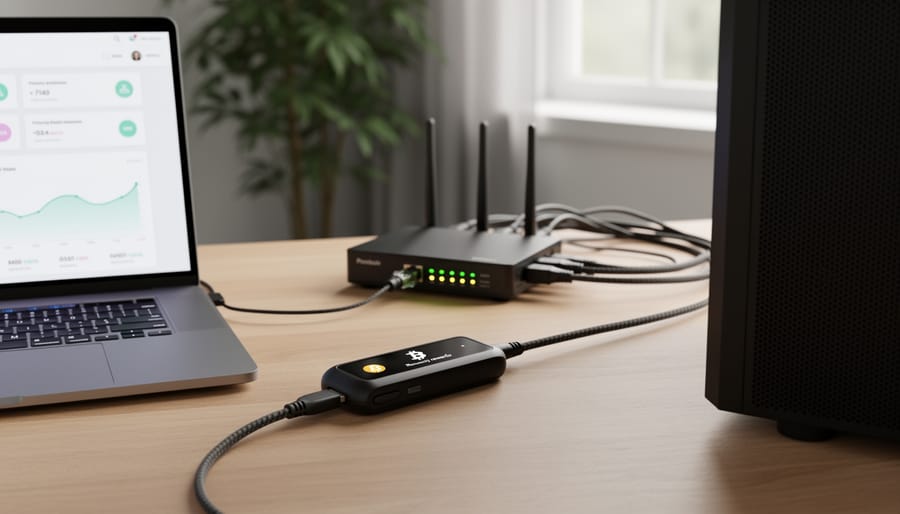
Mining software setup carries substantial financial and operational risks that demand careful evaluation before you commit resources. The costs and complexities extend far beyond the software installation itself.
Electricity consumption represents your single largest ongoing expense. Mining hardware runs continuously at maximum capacity, drawing hundreds or thousands of watts per hour. In regions with high electricity rates, your power bill can exceed mining revenue for months or years, particularly during periods of low cryptocurrency prices. Calculate your kilowatt-hour costs and expected hardware power draw before proceeding, profitability hinges on this equation.
Hardware failure is common and expensive. Mining equipment operates under sustained thermal stress, wearing out components faster than normal computer use. GPUs and ASICs can fail within months, and manufacturers often provide limited warranties for mining applications. Budget for replacement costs and understand that mining profitability risks include total hardware loss.
Regulatory compliance varies dramatically by jurisdiction. Before installing mining software, verify is crypto mining legal in your location, some regions restrict or ban mining operations entirely. Tax obligations also apply: mining rewards count as virtual currency for tax purposes in most jurisdictions, creating reporting requirements from your first payout.
Incompatibility issues can halt operations entirely. Not all mining software works with every hardware configuration, and driver conflicts, outdated firmware, or unsupported operating systems can prevent mining software from launching. Test compatibility thoroughly before purchasing expensive mining hardware.
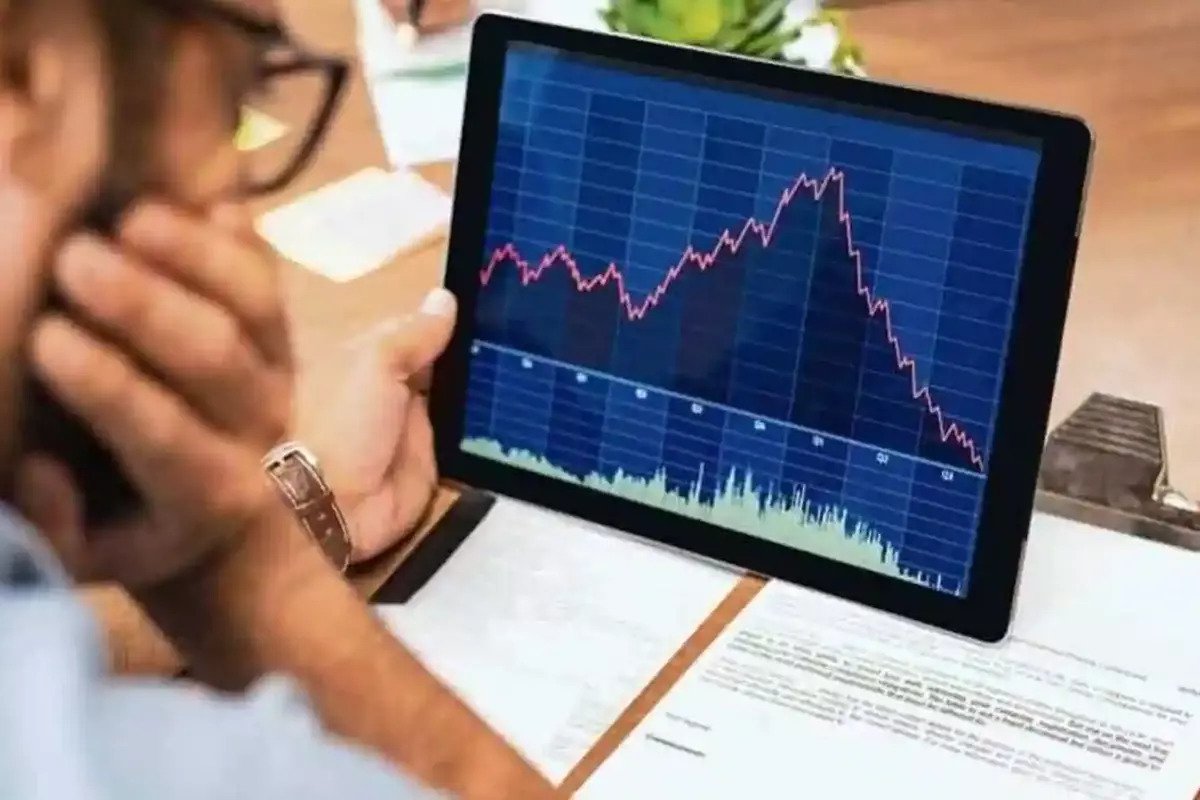
Market volatility directly impacts returns. Cryptocurrency prices can drop 50% or more within weeks, instantly converting profitable operations into loss-making ventures. Mining difficulty adjustments further compound this risk, reducing your share of block rewards as more miners join the network.
Step-by-Step Setup Process
Step 1: Set Up Your Cryptocurrency Wallet
Your mining wallet serves as the destination for all rewards you earn, so you must create it before configuring any mining software. Without a valid wallet address, the mining software has nowhere to send your cryptocurrency, and any blocks you successfully mine cannot be claimed.
Choose between two wallet types based on your security needs. Software wallets (desktop or mobile applications) offer convenience and zero upfront cost, making them suitable for smaller mining operations or testing. Hardware wallets, physical devices storing your private keys offline, provide superior security for serious mining operations where you’ll accumulate significant value over time. The trade-off is straightforward: software wallets prioritize accessibility, hardware wallets prioritize protection against theft and compromise.
Generate your wallet through your chosen provider’s official application or device. During setup, you’ll receive a recovery phrase (typically 12 or 24 words) that serves as the master backup for your wallet. Write this phrase on paper and store it in a secure physical location, never save it digitally or photograph it. Anyone with access to your recovery phrase controls your funds, and there’s no customer service to recover lost phrases.
Once your wallet is created, locate your receiving address (a long alphanumeric string beginning with specific characters depending on the cryptocurrency). Copy this address exactly, mining software requires perfect accuracy, and even one wrong character sends rewards into the void. Test the address by sending a small amount from another source before entering it into your mining configuration.
For business operations mining at scale, consider establishing multiple wallets: an active wallet for receiving daily mining payouts and a cold storage wallet where you periodically transfer accumulated funds for long-term security.
Step 2: Choose and Download Mining Software
Your mining software selection determines everything from ease of setup to profitability, so you need to match the software to your hardware, technical comfort level, and mining goals. The right choice balances features you need against complexity you can manage.
Start by identifying what you’ll mine with. GPU miners have the widest software compatibility and can switch between algorithms, while ASIC hardware typically requires manufacturer-specific software. CPU mining remains an option for certain cryptocurrencies, though it’s rarely profitable at scale.
For beginners in 2026, four platforms dominate the accessible mining landscape. NiceHash offers the smoothest entry point with automatic algorithm switching and a built-in marketplace that sells your hash power to buyers. Kryptex provides similar simplicity with transparent profitability estimates and straightforward wallet integration. Both handle most configuration automatically, making them ideal for business decision-makers who want operational mining without deep technical involvement.
Hive OS targets users running multiple rigs or planning to scale operations. It provides centralized management through a web dashboard and supports dozens of mining clients, though it requires more configuration knowledge upfront. CGMiner remains the veteran choice for experienced miners who want granular control through command-line interfaces and custom scripting.
Evaluate each option against three factors. First, verify your hardware appears on the software’s compatibility list; incompatible combinations waste hours of troubleshooting. Second, examine the fee structure: most platforms charge 1-3% of earnings, but payment methods and minimum thresholds vary significantly. Third, assess the interface honestly. A powerful platform you can’t configure properly will underperform simple software you can actually operate.
Download only from official websites to avoid malware-infected versions. Verify the download matches published checksums before installation, particularly for software that will access your wallet credentials.
Step 3: Prepare and Configure Your Mining Hardware
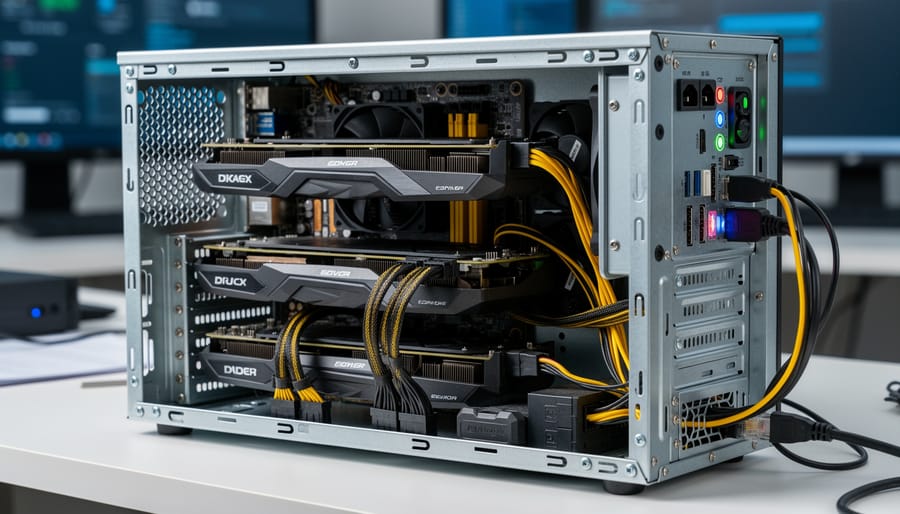
Before launching your mining software, your hardware must be properly prepared and configured to operate safely and efficiently. This step prevents common failures that waste time and potentially damage expensive equipment.
Start by verifying hardware compatibility with your chosen software. Check the software’s documentation for supported GPU models, ASIC firmware versions, or CPU instruction sets. Mining software often requires specific driver versions, download these directly from manufacturer websites (NVIDIA, AMD, or your ASIC manufacturer) rather than relying on generic operating system drivers. Install the latest stable drivers before proceeding, as outdated drivers frequently cause crashes or reduced hash rates.
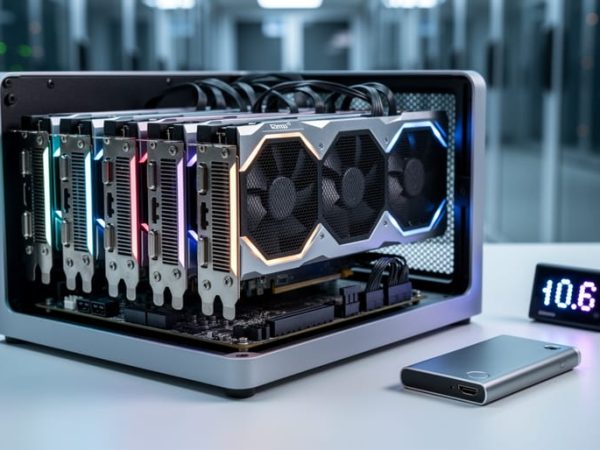
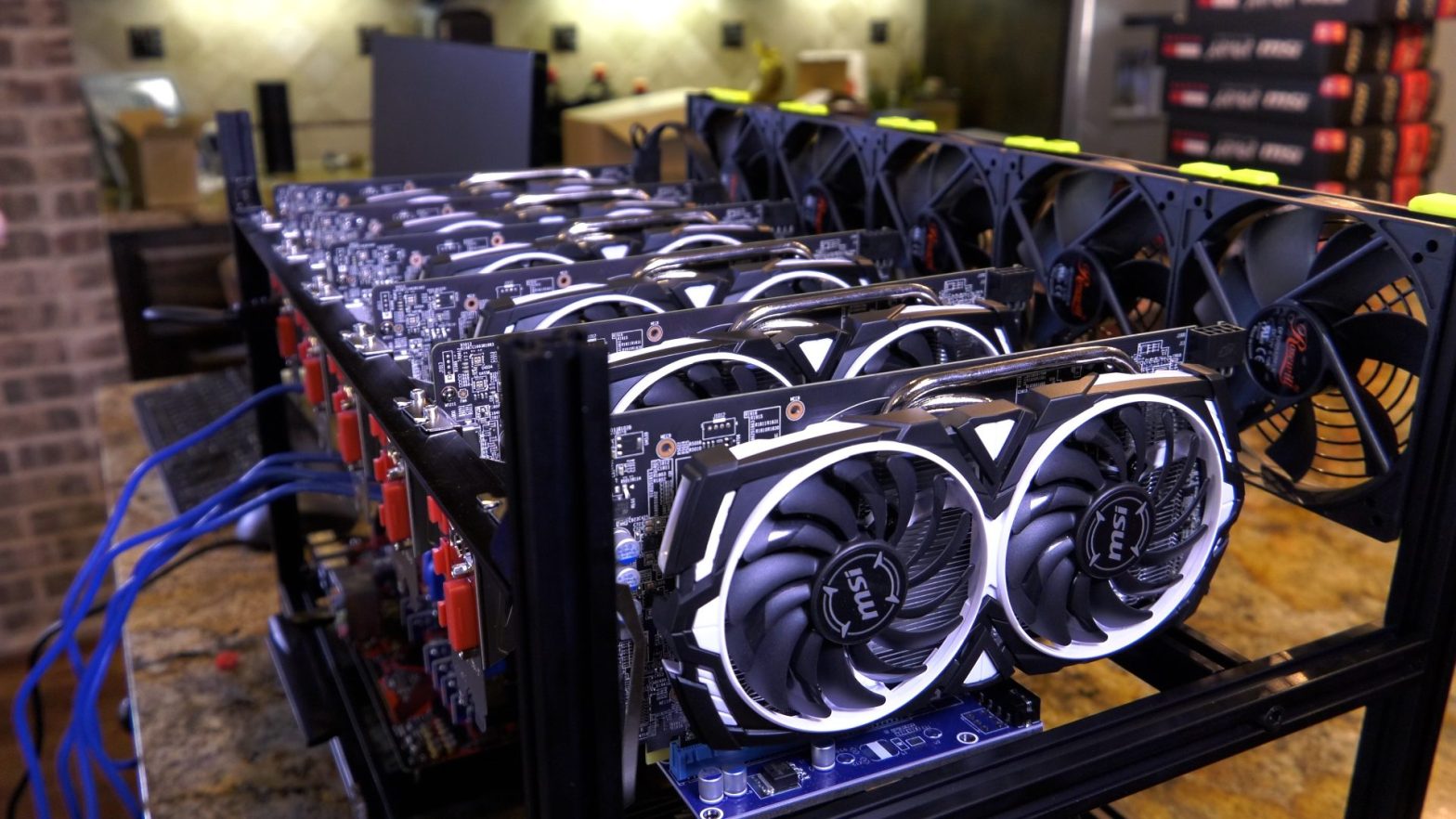
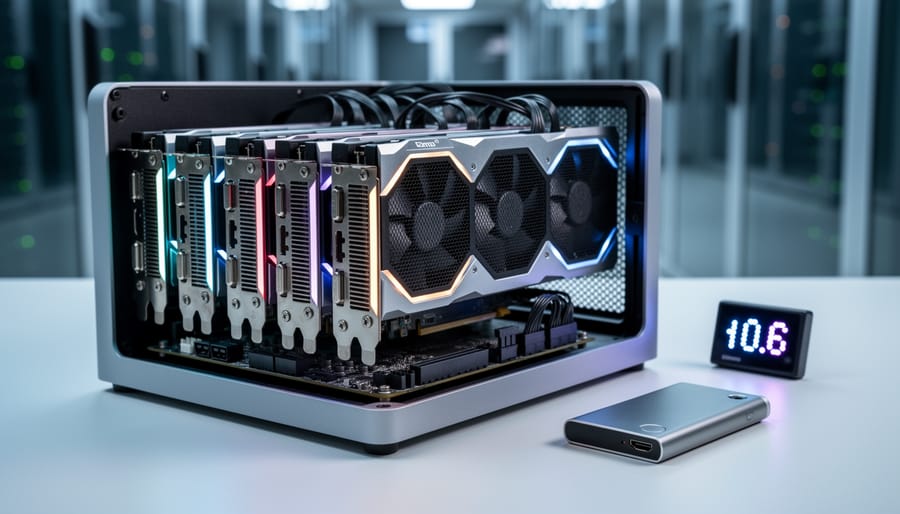
For GPU mining, seat all graphics cards firmly in their PCIe slots and connect power cables to every required connector. Don’t skip auxiliary power connections; insufficient power delivery causes instability. Configure your motherboard BIOS to recognize all GPUs, you may need to adjust PCIe settings, enable “Above 4G Decoding,” or set the primary display adapter to integrated graphics if available.
ASIC miners require firmware verification. Confirm you’re running the manufacturer’s latest stable firmware version, as updates often improve efficiency and fix critical bugs. Record your device’s IP address for web interface access.
Thermal management preparation is non-negotiable. Position hardware where airflow isn’t restricted, mining generates sustained heat that typical computer use doesn’t match. For GPU rigs, space cards at least one slot apart if possible. ASIC miners need dedicated ventilation; plan for 70+ decibel noise levels and substantial exhaust heat. Install temperature monitoring software before you start mining, setting alerts for thermal thresholds (typically 75-80°C for GPUs, per manufacturer specs for ASICs).
Connect hardware to your power supply with appropriate wattage headroom, draw calculations plus 20% margin prevents overload. Double-check all connections before powering on.
Step 4: Install and Configure Mining Software
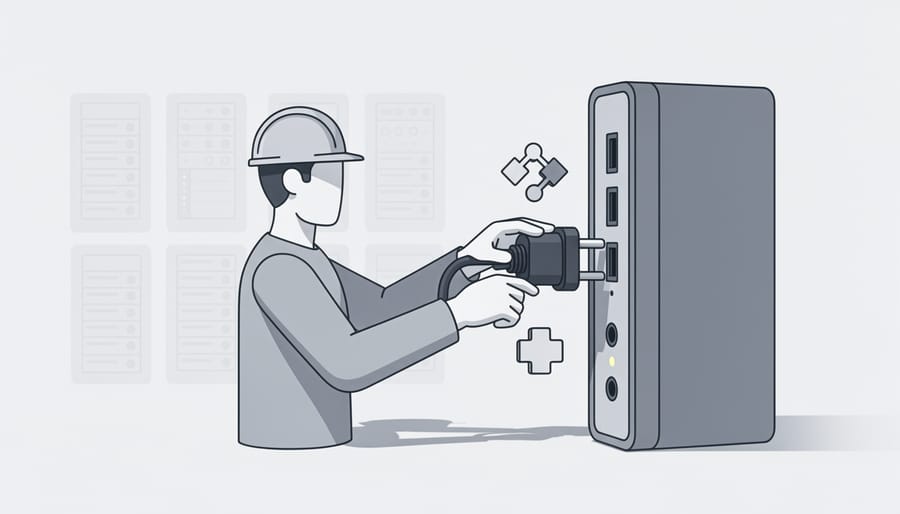
With your software chosen and hardware prepared, the actual installation begins. Most modern mining software provides both automated installers for beginners and manual configuration options for experienced operators. Run the downloaded installer as administrator to ensure proper driver and system integration. The installation process typically completes in under five minutes, though initial blockchain synchronization for full node software like Bitcoin Core can take several days.
Once installed, launch the software and follow this configuration sequence:
- Verify the software installation integrity by checking digital signatures or hash values against the developer’s official repository before first launch.
- Run the installer with administrator privileges, accepting network access permissions when prompted, mining software must communicate with blockchain networks and pool servers.
- Input your cryptocurrency wallet address in the designated payout field, triple-checking accuracy as incorrect addresses result in permanent loss of mining rewards.
- Select your preferred mining pool from the software’s pool list, or manually enter pool URL and port if connecting to a custom pool.
- Configure hardware detection settings, allowing the software to identify and benchmark your GPUs or ASIC devices, this process may take several minutes on first run.
- Set power consumption limits and thermal thresholds appropriate for your hardware and cooling capacity, typically 70-80% of maximum rated power for continuous operation.
- Save your configuration profile with a descriptive name, enabling quick switching between different mining strategies or hardware configurations.
Configuration files typically reside in the software’s installation directory or user data folder. Advanced users can edit these files directly to adjust parameters unavailable in the GUI, such as custom fan curves, specific algorithm tweaks, or advanced pool failover logic. Most software includes command-line startup parameters that override GUI settings, useful for scripting automated operations or remote management scenarios. Beginner-friendly options like NiceHash and Kryptex handle most configuration automatically, detecting hardware capabilities and optimal settings without manual intervention. Save multiple configuration profiles to test different mining strategies without losing your baseline settings.
Step 5: Connect to a Mining Pool and Launch
With your mining software configured and hardware ready, connecting to a mining pool represents the final step before generating your first hash. Mining pools combine computational resources from multiple miners to increase the probability of solving blocks and earning rewards distributed proportionally to contributed hash power.
Begin by selecting a pool appropriate to your operation scale. Established pools offer lower variance in payouts, critical for business planning, while smaller pools may provide higher per-block rewards with less frequent payouts. Evaluate pools based on fee structure (typically 1-3%), payout threshold, server location for latency optimization, and supported payout methods compatible with your wallet.
Enter your pool’s connection URL in the mining software’s pool configuration field, typically formatted as “stratum+tcp://pooladdress:port”. Create a unique worker name to identify this specific machine in multi-rig operations, following the format “walletaddress.workername”. Input your cryptocurrency wallet address established in Step 1, this is where the pool will send your mining rewards.
Most modern software including NiceHash and Kryptex automate pool connection through their interfaces. For command-line tools like CGMiner, you’ll specify pool parameters directly in the startup command or configuration file.
Launch the mining software and monitor the console output or dashboard. Successful connection displays “Pool accepted share” messages within minutes, confirming your hardware is contributing to the pool’s collective effort and you’re on track to receive your first payout.
Verifying Your Setup Is Working Correctly
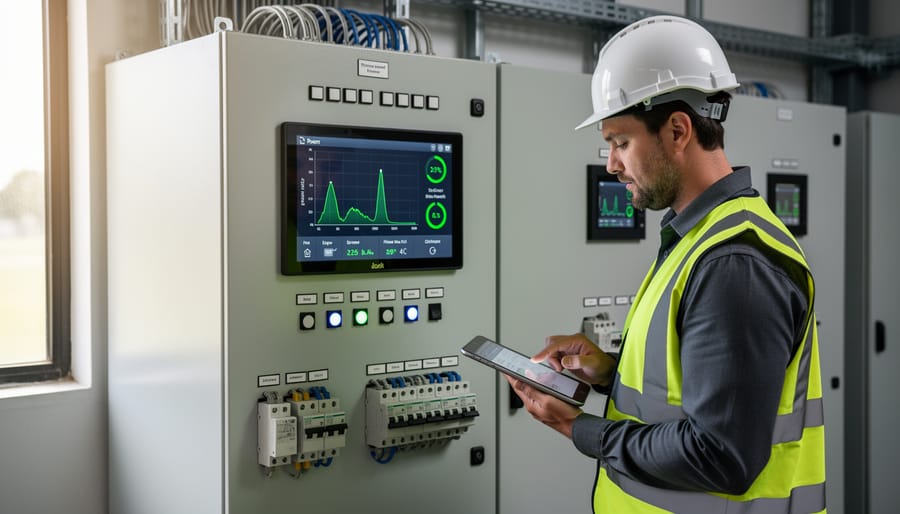
Your mining software is running, but confirmation requires systematic verification across multiple operational indicators. Here’s what working correctly actually looks like.
Start with your mining software dashboard or command-line output. You should see a hash rate value actively updating, typically refreshed every few seconds. For GPU mining, expect individual device hash rates plus a total system rate. ASIC miners display a single combined figure. The number should remain relatively stable with minor fluctuations of 5-10%. Wild swings or a hash rate dropping to zero indicate hardware recognition issues or configuration errors.
Next, verify pool connectivity by watching share submissions. Your software will show “accepted” or “rejected” shares at regular intervals. An acceptance rate above 98% is normal. Rejection rates exceeding 5% suggest network latency problems, incorrect worker configuration, or pool server issues. Check your pool’s web dashboard using your worker credentials to confirm the pool is receiving and crediting your submissions to your account.
Monitor hardware temperatures continuously during your first hour of operation. GPUs should stabilize between 60-75°C under full mining load, while ASIC units typically run hotter at 70-85°C. Temperatures exceeding these ranges mean inadequate cooling, and you need to improve airflow or reduce clock speeds before hardware damage occurs.
Run through this verification checklist within the first 30 minutes:
- Hash rate displayed and remaining stable without dropping to zero
- Shares being accepted by pool with rejection rate below 5%
- GPU or ASIC temperatures within manufacturer’s safe operating range
- Mining software running without crashes or error messages
- Wallet showing pending balance in pool dashboard
- Power consumption matching your hardware’s expected draw
Check your pool dashboard for pending balance accumulation. Most pools update earnings every 10-30 minutes. You won’t see payouts to your wallet immediately since pools enforce minimum payout thresholds, but your unpaid balance should increment steadily. If 2-3 hours pass with zero balance change despite accepted shares, verify your wallet address is correctly configured in the mining software.
Warning signs requiring immediate attention include sustained temperatures above 85°C, hash rates 50% below expected benchmarks for your hardware, rejection rates climbing above 10%, or frequent software crashes. These indicate misconfiguration, insufficient power supply, or hardware incompatibility that you must resolve before continuing operation.
Optimizing Performance and Next Steps
Once your mining software delivers its first successful hash, the real work begins. Mining profitability shifts constantly with network difficulty, cryptocurrency prices, and electricity costs. Calculate your break-even point monthly, divide hardware costs plus electricity expenses by mining revenue to determine when you’ll see returns.
Start optimizing with power efficiency adjustments. Mining software including NiceHash and Hive OS offers built-in power limit controls that reduce electricity consumption without proportional hash rate drops. Test reducing power limits by 10% increments while monitoring hash rates, many miners achieve 20-30% power savings with only 5-10% performance reduction.
Temperature management directly impacts hardware lifespan. Configure monitoring alerts for GPU temperatures exceeding 75°C or ASIC temperatures above manufacturer specifications. Automated tools can adjust fan speeds, throttle hash rates during peak heat hours, or shut down mining during dangerous temperature spikes.
Update mining software quarterly at minimum. Bitcoin Core 31.0 and other leading platforms release security patches and efficiency improvements that directly affect profitability. Schedule updates during low-value mining periods to minimize downtime costs.
For scaling decisions, track three metrics: hash rate per watt, cost per hash, and payback period. When these metrics trend positive for three consecutive months and you’ve recovered initial hardware investment, consider expanding. Before adding hardware, verify your electrical infrastructure supports increased loads and that your current setup runs reliably without intervention.
Frequently Asked Questions
The complexities of cryptocurrency mining software setup generate numerous questions from both technical implementers and business decision-makers. These answers address the most common concerns based on industry expertise and verified current information.
Can I mine cryptocurrency without expensive hardware?
While technically possible using consumer-grade GPUs or even CPUs, profitable mining typically requires dedicated hardware due to network difficulty levels and electricity costs. Beginner-friendly software like NiceHash allows experimentation with existing hardware, but sustainable operations generally demand purpose-built mining rigs or ASIC devices.
Which mining software is best for beginners in 2026?
NiceHash, Kryptex, Hive OS, and CGMiner represent the leading choices for newcomers in 2026. NiceHash offers the most approachable interface with automatic algorithm switching, while Hive OS provides comprehensive management for users ready to handle multiple devices.
Do I need different software for different cryptocurrencies?
Most modern mining software supports multiple algorithms and cryptocurrencies, but specialized ASIC hardware locks you into specific coins. GPU-based operations offer flexibility to switch between compatible cryptocurrencies as profitability shifts, while Bitcoin-specific ASICs cannot mine alternative coins.
What are the ongoing costs beyond initial setup?
Electricity consumption dominates ongoing expenses, often exceeding hardware depreciation and pool fees combined. Factor in cooling costs, periodic hardware replacement, internet connectivity, and potential facility expenses when calculating total operational overhead for business planning.
Understanding regional market dynamics helps contextualize mining economics. Recent growth in crypto adoption in Canada demonstrates expanding mainstream acceptance, yet profitability remains highly dependent on local electricity rates, hardware efficiency, and chosen cryptocurrency networks.
Expected earnings vary dramatically based on hardware investment, electricity costs, network difficulty, and market conditions. A single consumer GPU might generate minimal returns after electricity costs, while a properly scaled operation with competitive power rates can achieve meaningful revenue. Calculate break-even timelines conservatively, accounting for difficulty increases and potential price volatility. Many operators find mining functions better as a long-term accumulation strategy rather than immediate income generation, particularly when hardware costs and setup complexity are factored into ROI projections.